RK Worlds Login Problems: Cannot Sign In or Verification Code Not Working
RK Worlds Login Problems: Cannot Sign In or Verification Code Not Working
When you cannot log in to RK Worlds on your Android phone or browser, the problem usually falls into one of four categories: wrong credentials, verification codes that never arrive, app data causing login loops, or account lockouts. This guide walks through each scenario so you can get back into your account and access your balance.
RK Worlds is for players aged 21 and over. If you are having trouble with gambling, set deposit limits in your account settings or contact a responsible gambling helpline in the Philippines.
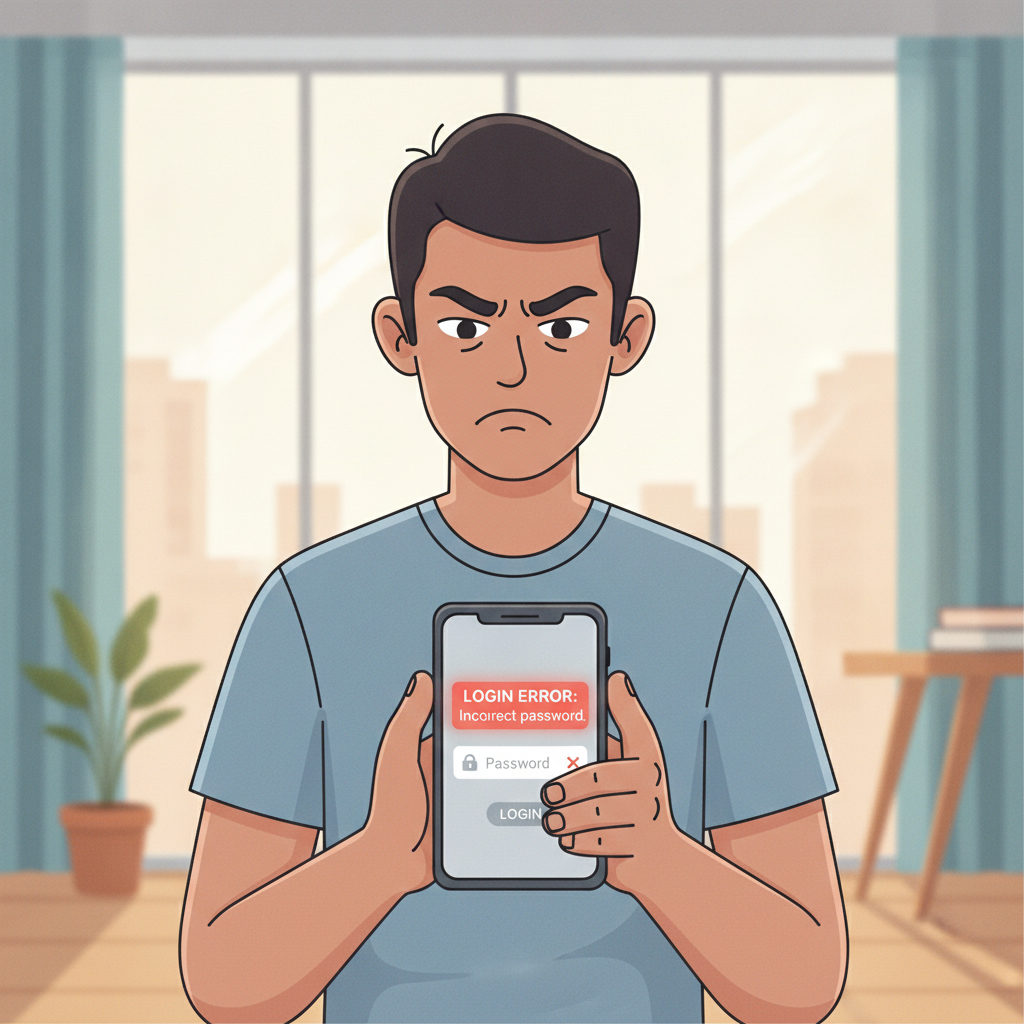
Troubleshooting 'Incorrect Password' and Locked Account Errors
Double-check your mobile number and password
The RK Worlds login screen asks for your registered mobile number and password. Before assuming a technical fault:
- Confirm the mobile number you registered with. If you switched SIM cards or ported your number recently, use the number on file, not the new one.
- Check caps lock and spacing. Passwords are case-sensitive.
- Try typing manually instead of using Android auto-fill, which sometimes inserts extra spaces.
If you are certain the credentials are correct but still see "Incorrect password" or "User not found," move to the password reset step below.
Account locked after too many attempts
RK Worlds temporarily locks accounts after several failed login attempts—usually five within a short window. This is a security measure to prevent unauthorized access.
What happens:
- You will see a message like "Account temporarily locked" or "Too many failed attempts."
- The lock typically lasts 15 to 30 minutes, though RK Worlds does not publish an exact timer.
What to do:
- Wait 30 minutes before trying again.
- Do not keep entering passwords during the lockout; it may reset the timer.
- If the lock persists beyond one hour, contact RK Worlds support via live chat or the email address listed in the app's Help section.
Account lockouts do not affect your balance or pending withdrawals. Once the timer expires, log in normally.
SMS Verification Code Not Arriving: Network and Mobile Number Issues
RK Worlds sends a one-time PIN (OTP) via SMS when you log in from a new device, reset your password, or confirm a GCash or Maya withdrawal. If the code does not arrive within two minutes, the delay is usually network-related, not an RK Worlds server problem.
Check signal and SMS inbox
- Move to an area with strong signal. Rural provinces and basements in Metro Manila high-rises can delay SMS delivery by several minutes.
- Look in your SMS app's spam or blocked folder. Some Android phones flag shortcode messages from casinos as spam.
- Restart your phone. This forces a fresh connection to the mobile network and can release queued messages.
Request a new code after five minutes
The RK Worlds verification screen includes a "Resend code" button that becomes active after 60 seconds. If the first OTP never arrives:
- Wait at least five minutes before requesting a second code.
- Tap Resend code once. Do not tap repeatedly; each request generates a new OTP and invalidates the previous one.
- Check the mobile number displayed on-screen. If it shows the wrong number, you will need to contact support to update your registered details.
Confirm your number is not on Do Not Disturb or blocked
Some mobile networks in the Philippines let you block promotional SMS. If you enabled this setting through your carrier (Globe, Smart, DITO, or TNT), you may also block transactional messages like OTPs.
- Globe: Text STOP DND to 2331 to turn off SMS blocking.
- Smart and TNT: Text UNBLOCK ALL to 2600.
Allow 15 minutes for the change to take effect, then request a new code.
SIM card or number issues
If you recently replaced a lost SIM or your prepaid account expired and you reactivated the number, the mobile network may still be syncing. Wait 24 hours after reactivation before expecting OTPs.
If your registered mobile number is no longer active, you must contact RK Worlds support with proof of identity (government ID and a selfie) to update the number on file.
Clearing App Cache and Data on Android to Fix Login Loops
A login loop happens when you enter correct credentials, the screen flashes or spins, then returns you to the login page without an error message. This is almost always caused by corrupted app cache or conflicting data saved on your Android device.
Clear cache first (keeps your login saved)
Clearing cache removes temporary files but preserves stored usernames.
- Open Settings on your Android phone.
- Tap Apps (may be labeled "Applications" or "App Manager" on some devices).
- Find and tap RK Worlds in the list.
- Tap Storage or Storage & cache.
- Tap Clear cache.
- Return to the RK Worlds app and try logging in again.
This step resolves most login loops. If the problem persists, proceed to clear data.
Clear data (logs you out and resets the app)
Clearing data wipes all local information, including saved login details. You will need to enter your mobile number and password from scratch.
- Follow steps 1–4 above.
- Tap Clear data or Clear storage.
- Confirm when prompted.
- Open the RK Worlds app. It will behave as if freshly installed.
- Log in manually.
After clearing data, you may receive a new SMS verification code because the app treats your device as new.
Reinstall the APK if clearing data does not help
If the login loop continues after clearing data:
- Uninstall the RK Worlds app completely.
- Download the latest APK from the official RK Worlds website (not from third-party stores).
- Install and open the app.
- Log in.
Always download the RK Worlds APK directly from RK Worlds' own domain to avoid modified or outdated versions that can cause login and withdrawal errors.
When You Need to Reset Your RK Worlds Password or Contact Support
How to reset your password
If you genuinely forgot your password or suspect someone changed it:
- On the RK Worlds login screen, tap Forgot password? (the link may also read "Reset password").
- Enter your registered mobile number.
- Tap Send code. You will receive an SMS OTP.
- Enter the OTP and create a new password. Use at least eight characters, mixing letters and numbers.
- Log in with the new password.
Password resets are instant. If the reset link says "Invalid request" or the OTP does not arrive, follow the SMS troubleshooting steps above.
Contact support for persistent login problems
Reach out to RK Worlds support if:
- Your account remains locked for more than two hours.
- You see "Account suspended" or "Contact support."
- You need to change your registered mobile number or email.
- None of the troubleshooting steps restore access.
How to contact RK Worlds:
- Live chat: Available in the RK Worlds app (tap the menu icon or Help) and on the website footer. Chat operates daily, typically 10:00–22:00 Philippine time, with faster responses during afternoons and evenings.
- Email: Check the Contact or Help section of the RK Worlds site for the support email address. Include your registered mobile number (last four digits only for security) and a description of the error message.
Do not share your full password or OTP code with anyone claiming to be support via Facebook, Telegram, or SMS. RK Worlds staff will never ask for these details outside the official app or website.
Support usually replies to login issues within two to four hours during business days. If you have a pending GCash or Maya withdrawal, your funds remain safe in your account even while locked out; they will be visible once access is restored.
Responsible Gambling Reminder
RK Worlds is an online casino and sportsbook for players aged 21 and over in the Philippines. Only gamble with money you can afford to lose, and set time and deposit limits if you find it hard to stop. If you need help, visit Gambling Therapy or contact a local support line.
Login problems are frustrating, but they do not mean your account or balance is lost. Work through each step in this guide—incorrect credentials, SMS delays, cache issues, or account locks—and you will usually be back in your account within 30 minutes. If the problem persists, RK Worlds support is available via live chat and email to verify your identity and restore access.