RK Worlds GCash Withdrawal Failed: 5 Reasons and How to Fix Them
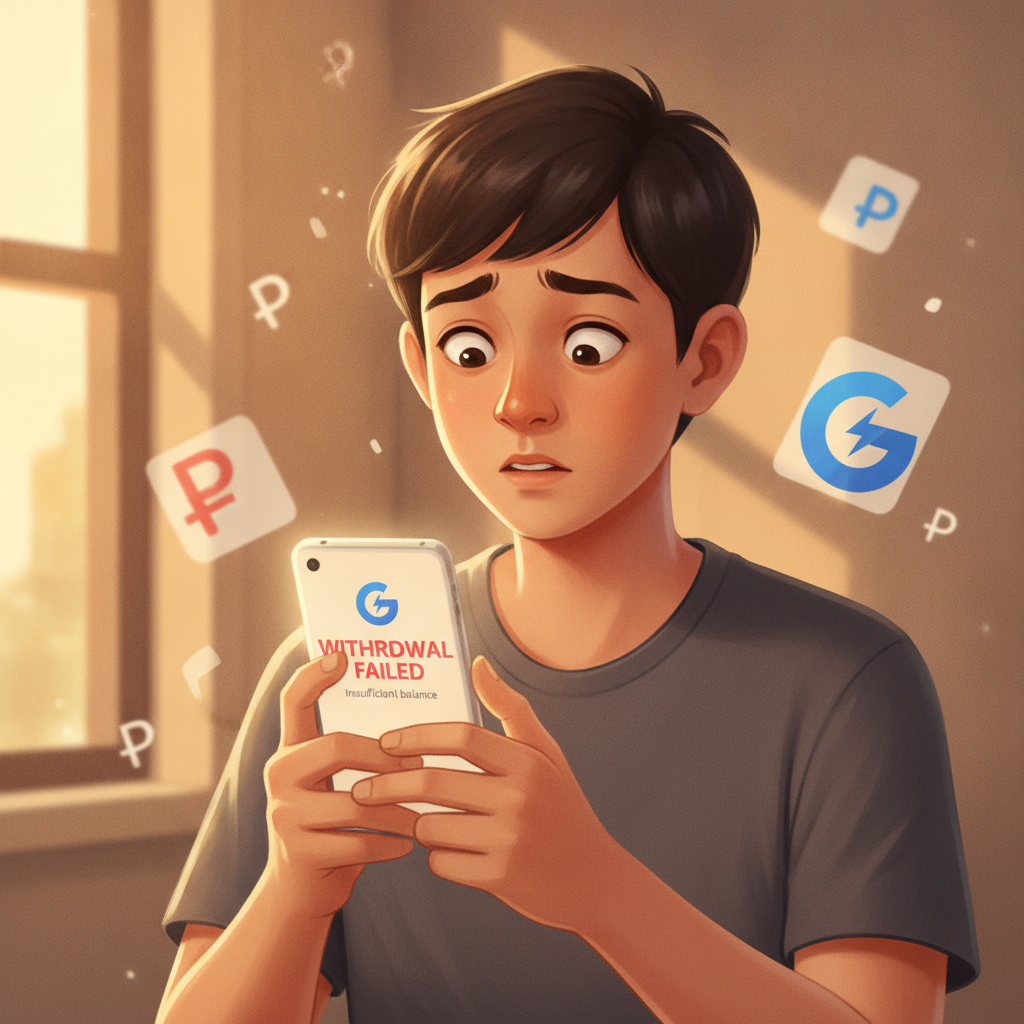
RK Worlds GCash Withdrawal Failed: 5 Reasons and How to Fix Them
When your RK Worlds GCash withdrawal fails, it usually comes down to a handful of specific issues: wrong mobile number, daily transaction limits, incomplete verification, name mismatches, or technical delays on either platform. This guide walks through the most common errors and exactly how to resolve each one.
RK Worlds offers GCash as a withdrawal method for Filipino players cashing out their winnings. Most withdrawals process within a few hours, but errors do happen—and they're almost always fixable once you know where to look.
21+ only. Set deposit limits and take breaks if gambling stops being fun.
Common Error Messages and What They Mean
When a GCash withdrawal fails on RK Worlds, you'll typically see one of these messages in your account transaction history or via email notification:
- "Invalid recipient details" or "Incorrect mobile number": The GCash number you entered doesn't match the format (must be 11 digits starting with 09) or contains a typo.
- "Transaction limit reached": You've hit GCash's daily or monthly transaction cap, or RK Worlds' withdrawal limit for your account tier.
- "Unverified account": Your GCash wallet isn't fully verified, so it can't receive the withdrawal amount.
- "Name mismatch": The registered name on your RK Worlds account doesn't match the name on your GCash account.
- "Pending review" or "Processing error": The withdrawal is stuck in RK Worlds' payment queue or there's a temporary system issue.
Each error points to a different fix. Start by checking the exact message in your RK Worlds account under transaction history or cashier records.
Check Your GCash Wallet Verification Level
GCash has three verification tiers—and unverified or partially verified wallets can't receive large transfers:
- Unverified: PHP 100,000 wallet balance limit, PHP 100,000 monthly transaction limit. Can't receive money from some third-party merchants, including many online casinos.
- Semi-verified: PHP 100,000 wallet limit, PHP 100,000 monthly transaction limit. Basic KYC submitted but not all documents approved.
- Fully verified: PHP 500,000 wallet limit, PHP 500,000 monthly transaction limit. All documents approved; can receive transfers from most sources.
To check your GCash verification status:
- Open the GCash app on your phone.
- Tap your profile picture or the menu icon in the top-left corner.
- Look for "Account Limits" or "Verify Now."
- You'll see your current tier and remaining monthly transaction allowance.
If your RK Worlds withdrawal amount exceeds your remaining GCash monthly limit, the transfer will fail. Wait until the next calendar month, or upgrade your verification level.
To upgrade to fully verified:
- In GCash, tap "Verify Now" and follow the prompts.
- Submit a valid government ID (passport, driver's license, UMID, PhilHealth, or SSS).
- Take a clear selfie for face verification.
- Wait 1–3 business days for approval.
Once fully verified, try your RK Worlds withdrawal again. Most players see this error resolved immediately after upgrading.
Ensure Your RK Worlds Account Name Matches Your GCash Registered Name
RK Worlds requires that the name on your casino account matches the name on your GCash wallet. This is an anti-fraud measure. If the names don't match—even by one character or a missing middle initial—your withdrawal will be rejected.
To check your GCash registered name:
- Open the GCash app.
- Go to your profile or account settings.
- Your full legal name should appear exactly as it is on your verified ID.
To check your RK Worlds account name:
- Log in to RK Worlds on your phone or browser.
- Navigate to your account profile or settings.
- Look under "Personal Information" or "Account Details."
If you spot a mismatch—maybe you registered with a nickname, or GCash shows your middle name but RK Worlds doesn't—you'll need to update one or both.
How to fix a name mismatch:
- On GCash: You can't change your name yourself once verified. Contact GCash customer support via the app's Help Center or call their hotline. You'll need to provide a valid ID showing your correct name.
- On RK Worlds: Contact RK Worlds customer support (usually via live chat, email, or the support page on their site) and request a name correction. They may ask for a photo of your ID to confirm. Processing can take 1–3 business days.
Do not create a second RK Worlds account with a different name; this violates most casino terms and can result in both accounts being locked.
Double-Check the GCash Mobile Number You Entered
It sounds simple, but typos are a leading cause of failed GCash withdrawals. RK Worlds asks you to enter your GCash-registered mobile number when you request a cashout. If you're off by even one digit, the money won't reach you.
Format requirements:
- Must be exactly 11 digits.
- Must start with 09 (standard Philippine mobile format).
- Example: 09171234567
Common mistakes:
- Adding "+63" or "63" at the start (RK Worlds usually auto-formats this, but some fields don't).
- Forgetting the leading zero.
- Swapping digits (e.g., 09171234576 instead of 09171234567).
Before you submit a withdrawal request, compare the number on-screen with the number registered to your GCash account. Open GCash and check your profile if you're unsure.
If you've already submitted a withdrawal with the wrong number, contact RK Worlds support immediately. Depending on the processing stage, they may be able to cancel and re-issue the transaction. Once the money is sent to an incorrect number, recovery is difficult.
When to Contact RK Worlds Support vs GCash Support
Sometimes you'll need help from RK Worlds, and sometimes from GCash. Here's how to decide:
Contact RK Worlds support if:
- Your withdrawal shows "pending" or "processing" in your RK Worlds account for more than 24 hours.
- You see an error message like "Name mismatch," "Pending review," or "Transaction rejected by operator."
- You entered the wrong GCash number and need to cancel or correct the withdrawal.
- Your RK Worlds account is locked or flagged, and you can't request a cashout at all.
- You're unsure whether you've met wagering requirements or withdrawal conditions tied to a bonus.
RK Worlds support is typically available via live chat on their website, email, or a support ticket system. Have your account username, registered mobile number, and transaction ID ready when you contact them.
Contact GCash support if:
- Your GCash wallet is unverified or semi-verified, and you need help upgrading.
- You've reached your GCash transaction limit and don't understand why.
- GCash shows an error when you try to receive money from any source, not just RK Worlds.
- You need to update your registered name on GCash or resolve an ID verification issue.
- Your GCash app is crashing or not loading properly.
Reach GCash support through the app's Help Center, by calling their hotline (2882), or via their official Facebook page. Keep your GCash-registered mobile number and a photo of your ID handy.
If both platforms say the transaction went through on their end but you still don't have your money, contact RK Worlds first—they can provide the transaction reference number and timestamp that GCash support will need to trace the payment.
Tips to Avoid GCash Withdrawal Errors
Once you've fixed a failed withdrawal, follow these steps to prevent future errors:
- Keep one GCash number on file: Use the same GCash mobile number for every RK Worlds withdrawal. Don't switch between numbers or wallets.
- Verify your GCash wallet fully: Upgrade to fully verified status before you make your first cashout. It saves time and unlocks higher limits.
- Double-check names and numbers: Before submitting a withdrawal request, confirm the mobile number and that your RK Worlds account name matches your GCash name exactly.
- Monitor your GCash transaction limits: Check your monthly allowance in the GCash app. If you're close to the cap, wait until the next month or split your withdrawals.
- Withdraw during business hours: RK Worlds processes most GCash cashouts within a few hours, but submitting your request on a weekday morning (Philippine time) often speeds things up.
- Keep records: Screenshot your withdrawal confirmation from RK Worlds and the transaction ID. If something goes wrong, you'll have proof to share with support.
Responsible Gambling Reminder
RK Worlds is for players 21 years old and above only. Gambling should be entertainment, not a way to make money. If you're chasing losses, borrowing money to play, or feeling anxious about your balance, it's time to take a break.
Set deposit and loss limits in your RK Worlds account settings, and reach out to a counselor or support group if gambling is affecting your daily life. The National Council on Problem Gambling Philippines and other organizations offer free, confidential help.
Final Checklist: Fixing Your RK Worlds GCash Withdrawal
Most RK Worlds GCash withdrawal failures are resolved within a day once you identify the cause. Check verification, limits, and name matching first—those cover the majority of errors. If you're still stuck after trying these fixes, reach out to RK Worlds support with your transaction details and they'll walk you through next steps.